Raspbian/es
English · Español
(Raspberry Pi only)
Raspbian (aka Wheezy) es una distribución basada en Debian Linux que está optimizada para funcionar con el hardware Raspberry Pi. Las versiones actuales de Raspbian soportan tanto FreePascal como Lazarus.
Instalando FreePascal
FreePascal es facilmente instalable con los siguientes mandatos desde el shell:
  sudo apt-get update
  sudo apt-get upgrade
  sudo apt-get install fpc
Hay tres modos de utilizar FreePascal en Raspbian:
- via the shell command
fpc. This requires to enter a number of options along with thefpccommand. - via the shell command
fp. This command starts a text-based IDE. - via Lazarus, see below
Instalando Lazarus
Los pasos para instalar Lazarus son muy similares a los necesarios para instalar FreePascal:
  sudo apt-get update
  sudo apt-get upgrade
  sudo apt-get install fpc
  sudo apt-get install lazarus
Esto instala una versión de Lazarus precompilada y lista para usar, por supuesto no sería necesariamente en su última versión.
Compilando desde su código fuente
Las versiónes más actualizadas de Lazarus se distribuyen en el formato de código fuente. Para compilar Lazarus a partir de sus fuentes subversion ver Michell Computing: Lazarus bajo Raspberry Pi para más detalles. La información se encuentra un tanto desactualizada pero todavía es usable.
La forma más fácil de compilar desde su código fuente es utilizar fpcup . Ver además fpcup en esta wiki.
Pantallazos
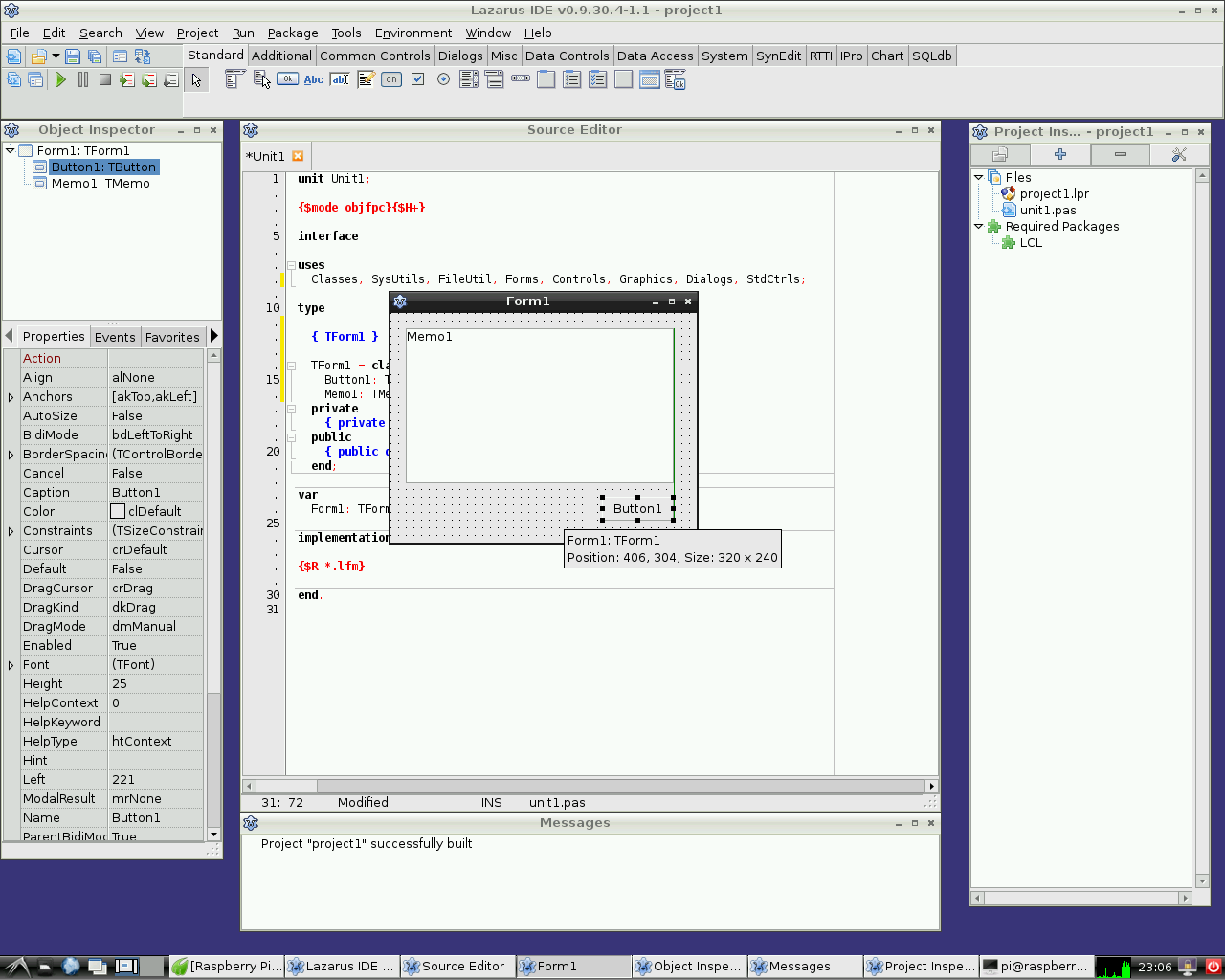
Lazarus bajo Raspbian Wheezy
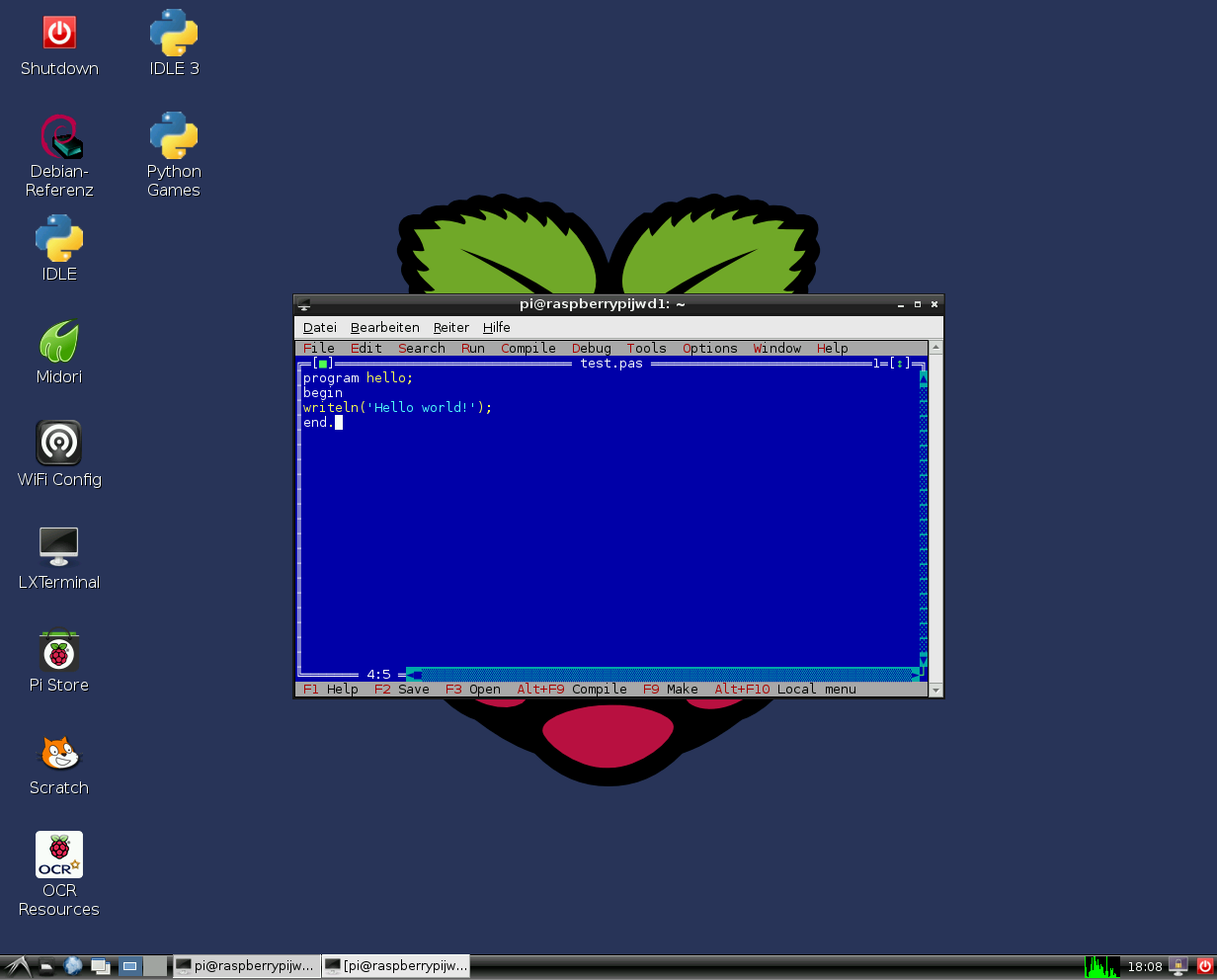
FreePascal en el IDE con modo texto bajo Raspbian Wheezy
Acceso al hardware
Ver Lazarus on Raspberry Pi para más detalles.
External Links
- Raspberry Pi Foundation
- Official Raspbian site
- Additional information on Lazarus and Raspberry Pi at eLinux.org
From the Free Pascal wiki, page "Raspbian/es", as it stood on 2020-02-23 after a change by Trev, out of the wiki's dump of 2024-05-26. Copyright stays with the author who wrote it, according to the old wiki's Licensing page. If you have concerns about this material, message the admin.